
Family + Friends
Does someone in your team have any family members or friends who struggle with a disability? This might be a child, cousin or even a grandparent.
Welcome to Make:able! We’re delighted to have you here and look forward to supporting you in designing and making life-improving devices for people with disabilities. Begin by downloading and reading the challenge brief below. You can also download the optional workbook to help plan and document your design journey.
You can take part individually or in a team of up to five people. If you’re working as a team, consider giving everyone different responsibilities, such as project management, design, research or video creation. Everyone can still contribute to all stages of the challenge.
Download BriefDownload Workbook (Optional)
The next step is to identify an end user to design for and there are 2 options to do this. The first and most effective way is to find an end user in your local community. Remember that you should be able to communicate with this person regularly, whether this be online or in-person and ideally, they’d be able to test your prototypes and provide constructive feedback to help you reach a final solution that fits their needs. Take a look at some of the ideas below, which highlight a range of places you might find meaningful design challenges. Then go ahead and find your end user!
*If you’re struggling to find a local end user, don’t worry. Head to the next section to learn about an alternative way to participate in the Make:able Challenge.
Does someone in your team have any family members or friends who struggle with a disability? This might be a child, cousin or even a grandparent.

Teachers or staff members who have a good understanding of the people in your school, library or organisation may be able to support you in finding an end user to design for.
Use the internet to search for local disability organisations who can connect you with end users. You may wish to search for organisations that support specific disabilities such as arthritis.

Many hospitals have rehabilitation centers who may be willing to connect you to patients. If you decide on reaching out to a hospital, ensure you research what departments are available before finding the relevant contact details.

Local care homes may be able to connect you with elderly individuals who struggle with a range of disabilities or the effects of ageing.

We are also happy for you to expand outside of the local community and design solutions for people who you can connect with online through disability platforms. Check out the design challenges on the Makers Making Change forum by clicking below to see if you can connect with an end user who is seeking solutions.
Finding a real end user isn’t always possible, which is why we introduced Make:able Champions. These are people with disabilities who have kindly shared their stories and day-to-day challenges through videos, giving participants the opportunity to design solutions inspired by their experiences. The 2027 Make:able Awards will be the final year of the Champions option. From 16 May 2027 onwards, participants will need to design for a real end user. For those participating in the 2027 awards, you can still choose from the Make:able Champions below. Browse their stories and select someone whose experiences inspire you.
The Make:able toolkit guides you through activities such as interviews, observations, testing and gathering feedback from your end user. When designing for a Champion, you may not be able to interact with them directly, but we encourage you to adapt these activities where possible. Use their videos to develop empathy, perform simulations, consider their individual needs and preferences, and think about how they might respond to your ideas.
We’ve made this decision because we believe the most meaningful design experiences come from working directly with the people you’re designing for. Having a real end user gives you opportunities to ask questions, understand their individual needs and preferences, and gather feedback as your ideas develop. These interactions are an important part of human-centred design and can lead to more useful, personalised solutions.
We understand that finding an end user can feel challenging, but it doesn’t need to involve approaching an unfamiliar organisation or arranging formal interviews. Your end user could be a family member, friend or someone in your local community. You don’t need to meet with them repeatedly or organise extensive research activities. Even a few conversations and opportunities to gather feedback can provide valuable insights. Your end user can also remain anonymous in your final submission if they prefer.

Valerie is 66 years young, loves planting flowers and describes herself as a geek and problem solver! She has had rheumatoid arthritis since she was 3 years old and scoliosis for the last 20 years. She started using a wheelchair 3 years ago and since then her health and quality of life has declined.
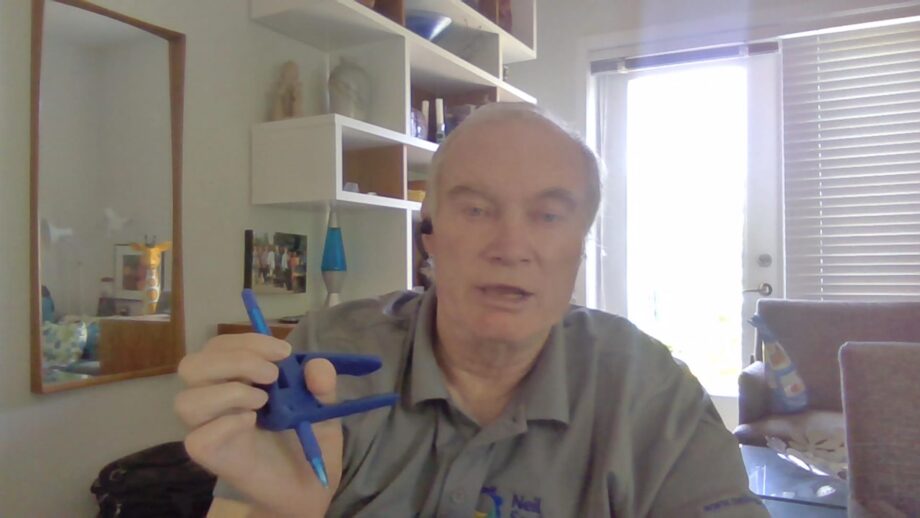
Gary is the Executive Director of the Neil Squire Society. He was injured in a car accident several years ago and is a C6 quadriplegic. Gary has learned to be very independent but still comes across frustrations in his daily routine, particularly around hand mobility and grip.
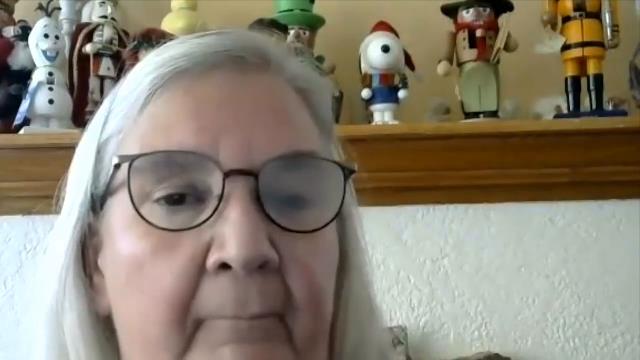
Raeanne lives at home with her husband and 2 children. In 2019, Raeanne had a fall and hit the side of her face, resulting in a fractured eye globe. Since the accident, she has struggled with several activities, including navigation, depth perception, and identifying colours and orientations of clothing.
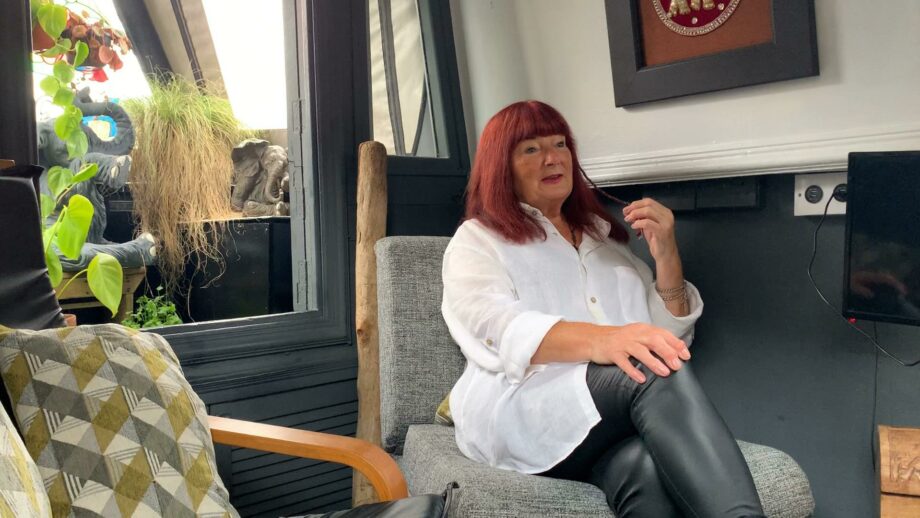
Cath is 76 years young and is at her happiest when she is making things! She lives with her partner Paul on a narrowboat and loves the freedom it provides them with. She developed osteoarthritis in her knees when she was 50 and it has progressed to other areas of her body, such as her hands.

Chase has been an avid assistive technology user for over 13 years. He has spinal muscular atrophy (SMA) type 1, which causes muscle weakness. Chase is particularly interested in assistive switches to help control phones and computer devices.
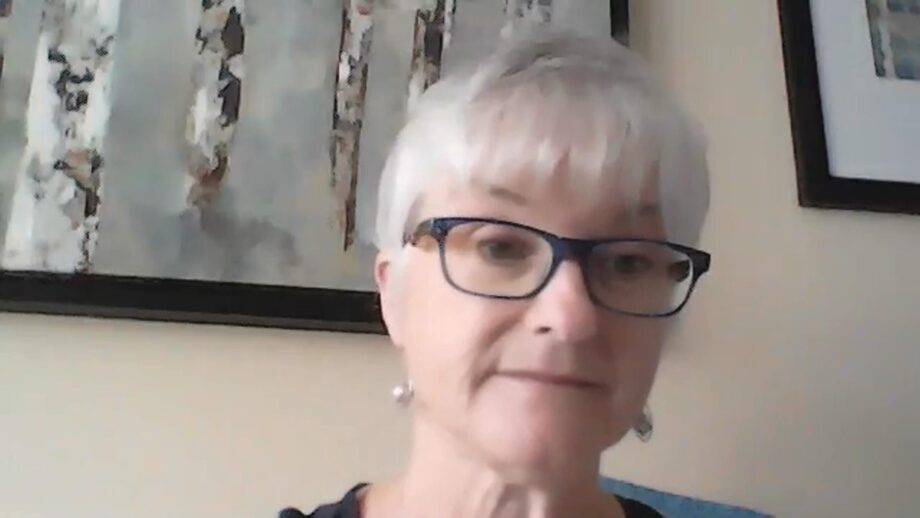
Brenda is a writer with benign essential tremors and osteoarthritis. Brenda’s tremors are genetic and have been present since birth. Combined with the osteoarthritis, she struggles to use her dominant right hand and arm for various tasks.
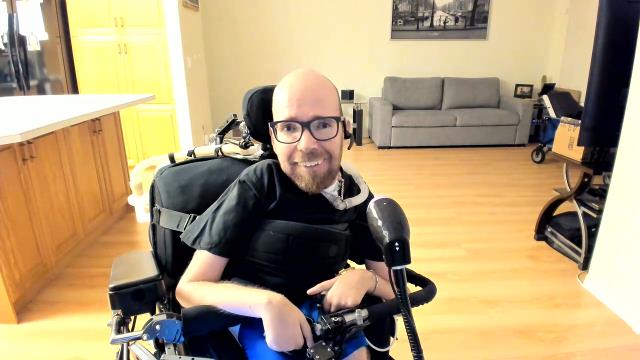
Ean owns his own business and loves travelling overseas. He has spinal muscular atrophy (SMA) type 2, and on his hands, he is only able to move his thumbs. Ean is able to have an active lifestyle with the help of assistive technology, and is seeking multi-functional switch buttons to further support his activities.
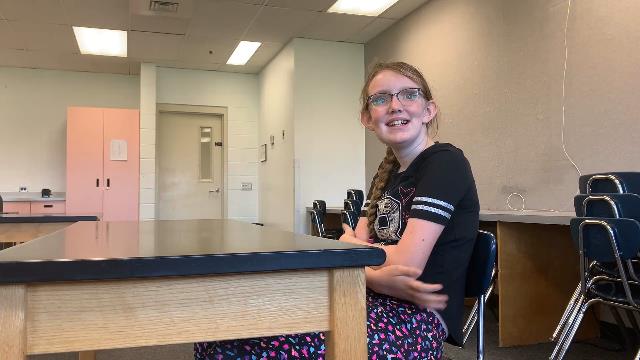
Michelle is a student who has hypertonia, which causes extreme muscle fatigue. She is seeking solutions to help her to make notes in class, or use felt tip pens without breaking them.
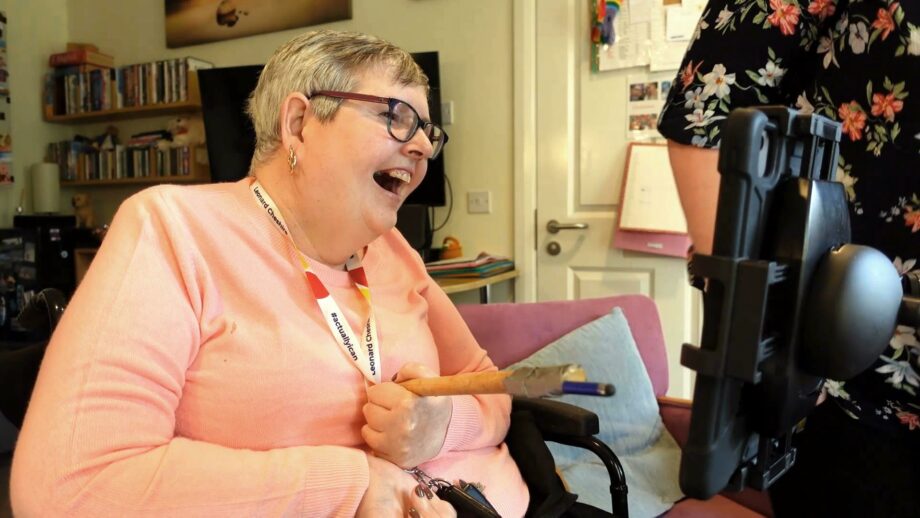
Bev had a stroke in 1994 and has used a wheelchair since then. She uses assistive technology for various activities, including reading on her kindle app and playing solitaire on the computer. She is now seeking solutions to help her better control her TV.
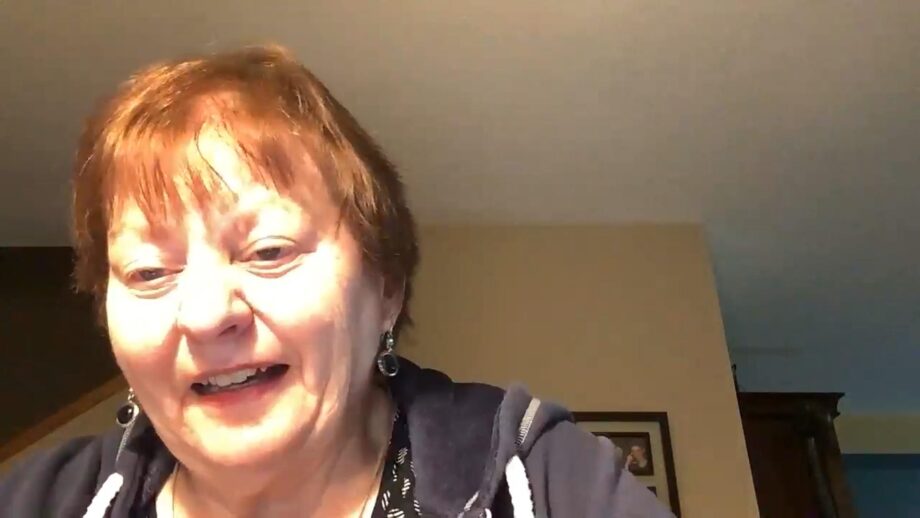
Terry suffered from a stroke over 20 years ago, which left her largely paralysed on her right side. She is seeking solutions to help her with walking, as well as general activities around the house, such as opening jars and cooking.
PrintLab is our online platform of 3D printing courses and projects that help you develop the technical and creative skills to design meaningful assistive devices. To help you prepare for the Make:able Challenge, we’ve created a suggested learning pathway featuring key PrintLab resources. You don’t need to complete everything; even one or two courses can help you build valuable skills and spark ideas.
Although PrintLab is a paid subscription, you can explore these resources using our free trial. At the end of the trial, you can decide whether to subscribe for continued access. When you’re ready, start your free trial using the link below, then explore the learning pathway and choose the courses that suit you. If you’re under 18, please ask your teacher to sign up for the trial on your behalf so they can share the resources with you.
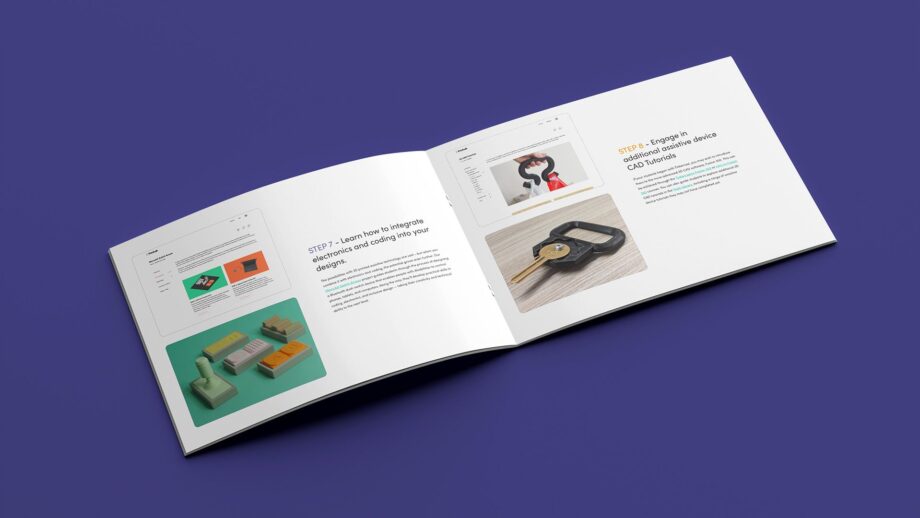
We’ve created a suggested learning pathway to help you prepare for the Make:able Challenge. It brings together key PrintLab courses and projects covering 3D CAD, 3D printing, creative problem-solving and assistive technology. You don’t need to complete everything. Choose the resources that suit your experience, interests and available time. Download the version that’s right for you below.
Download PDF Guide for Individuals Download PDF Guide for Teachers
We’ve partnered with Autodesk to offer Fusion Fundamentals – a free, live virtual course designed specifically for teachers. In just 12 hours (delivered over 2–3 days, depending on your location), you’ll learn the essential skills needed to teach Fusion CAD with confidence.
Before submitting your Make:able project, please make sure you have permission to include any identifiable people in your photos, videos or other submission materials. This includes team members, end users and anyone else featured in your project. We’ve provided two consent forms below: one for parents or guardians of participants under 16, and another for end users and other individuals featured in submissions. Please download and complete the relevant forms, then upload them with your final submission. We recommend arranging consent early in the challenge rather than leaving it until the end.
For parents or guardians of participants under 16 whose personal information, images or video footage will be included in a Make:able submission.

For end users and other individuals who are identifiable in your submission materials, including photos and videos.
Here is a selection of optional resources that you may wish to watch/use, depending on your challenge context and time constraints.
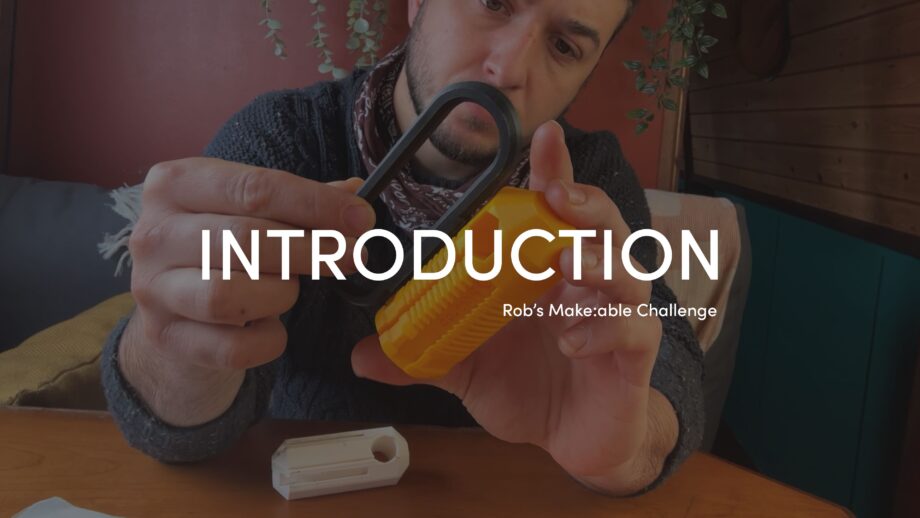
PrintLab’s lead designer, Rob, participated in the Make:able Challenge! He designed a solution for a Make:able Champion, and you can view each stage of his design journey in the ‘Additional Resources’ section of each toolkit. In this first video, you’ll learn more about Rob and his background as an industrial designer.
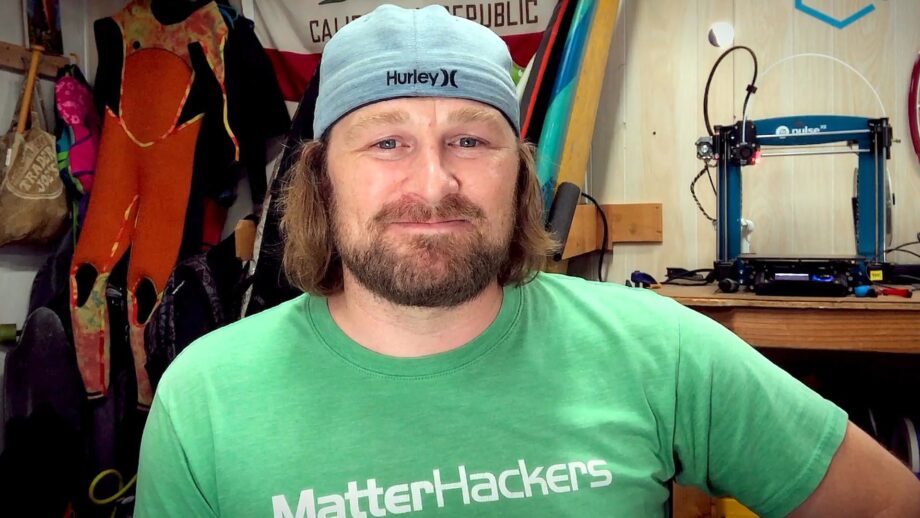
Check out these top 5 tips for designing assistive devices with 3D printing - courtesy of Dave Gaylord, Biomedical Engineer and VP of Product and Technology at MatterHackers.
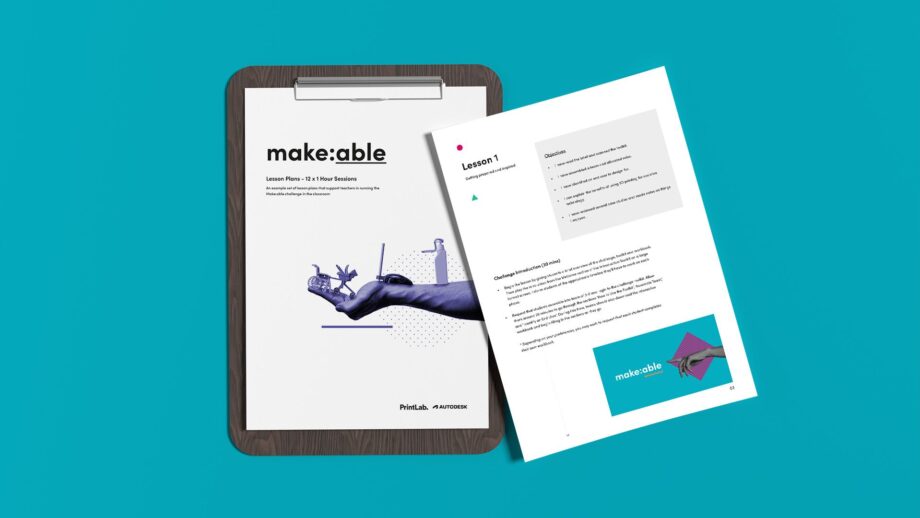
If you’re a teacher or instructor guiding participants through the challenge, check out our instructor resources, which include lesson plans, curriculum alignment documents, rubrics, webinars and more.
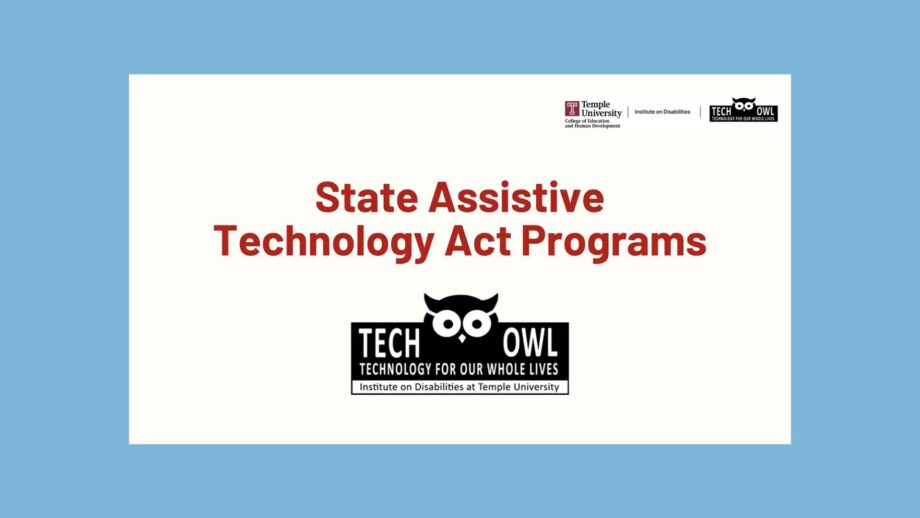
Did you know that every US State has something called a State Assistive Technology Act Program (AT Act), which aims to increase access to assistive technology (AT) devices and services for individuals with disabilities. If you’re based in the US, you may wish to reach out to your local AT Act for collaboration opportunities. Take a look at TechOWL’s presentation about AT Acts.
Before moving on to the next toolkit, you should have achieved the below objectives.
Go to Next Toolkit – Get Inspired